The Launchtory directory

AI Design & Image Tools

Image tools split into generation, editing, background removal and upscaling, and most listings do one job well rather than all four. Check export resolution, watermarking, commercial usage rights and whether batch processing is included in the free plan.

54 tools · Updated Nov 10, 2026

Sponsored placements
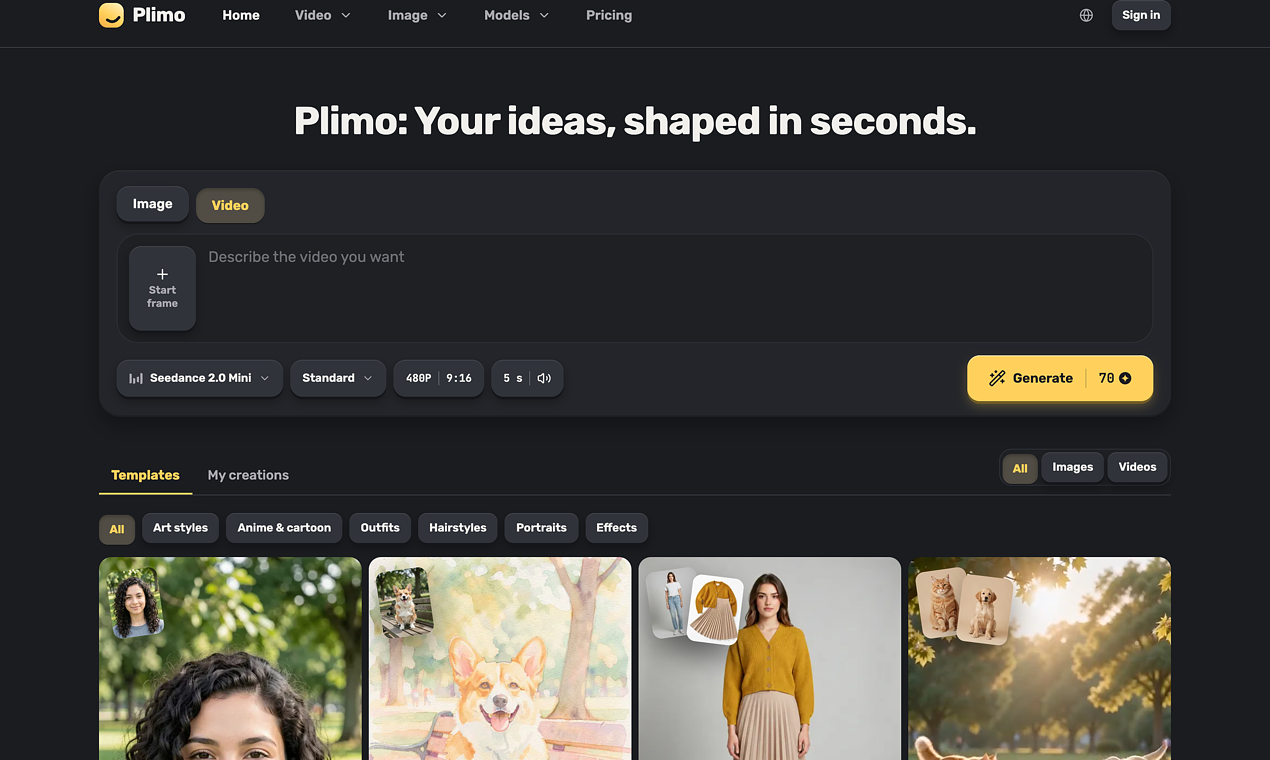
The Plimo home page with the generator (template or your own prompt) and the model picker, where image and video models are grouped by company.
Sponsored · 7 days Design & Images

Plimo

AI images and videos from trending templates or your idea

plimo.ai Freemium Free access
Visit ↗
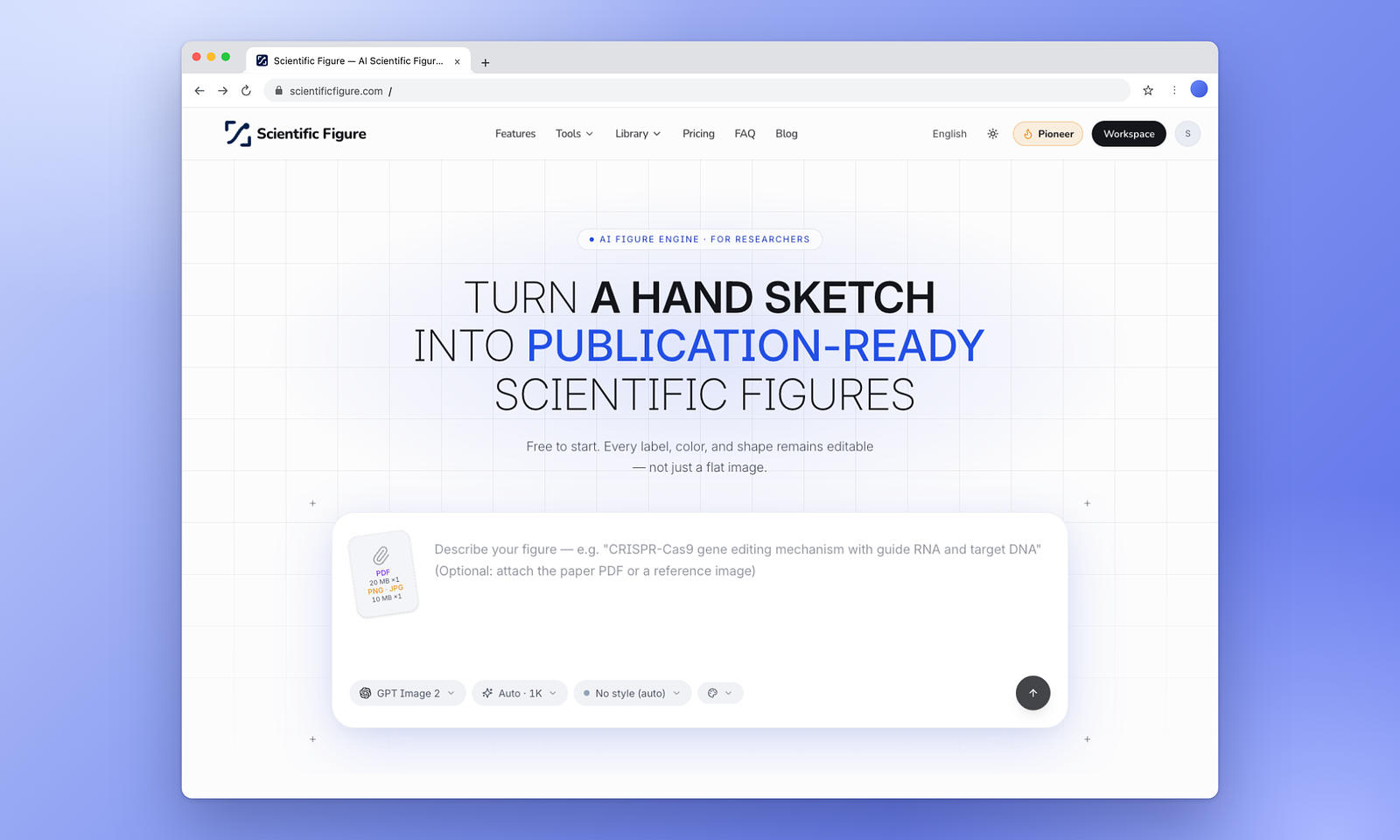
Screenshot of Scientific Figure
Design & Images

Scientific Figure

Create publication-ready scientific figures, graphical abstracts, diagrams, and posters with AI.
Just added scientificfigure.com Freemium Free trial
Visit ↗
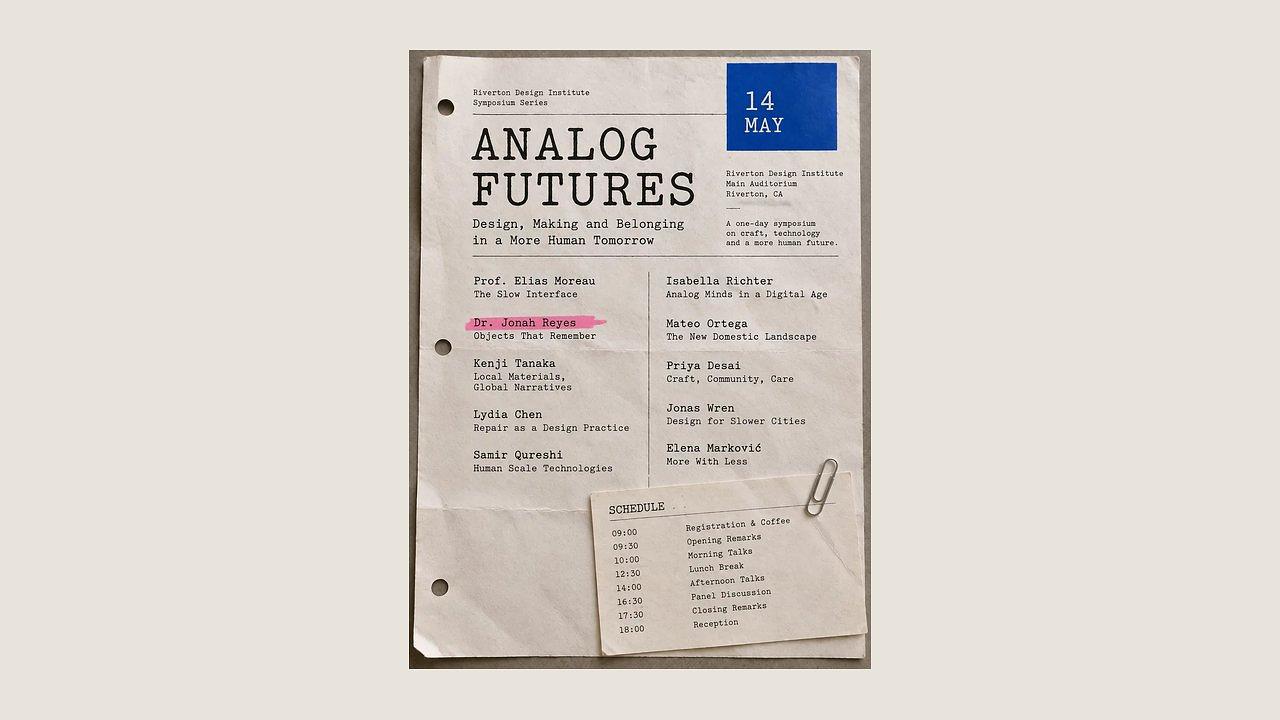
EditTextImage editor replacing text in a photo while matching font and style.
Design & Images

EditTextImage

Edit text in image seamlessly. Keep everything else.
Just added edittextimage.com Freemium Free access
Visit ↗
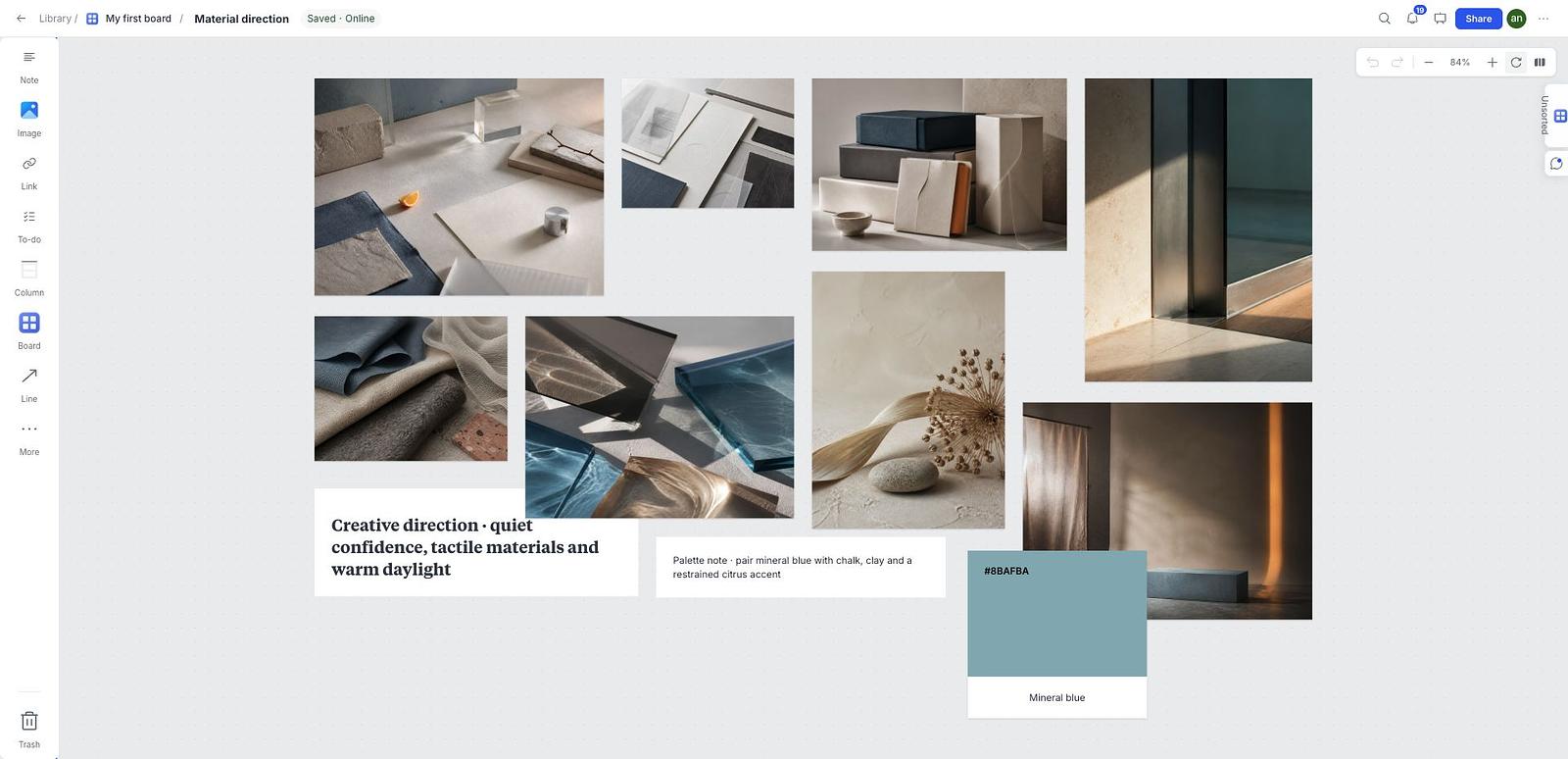
The Moodboard visual workspace showing an example material direction board with image references, notes and a color palette.
Design & Images

Moodboard

A free visual workspace for creative direction
Just added moodboard.art Free Free access
Visit ↗
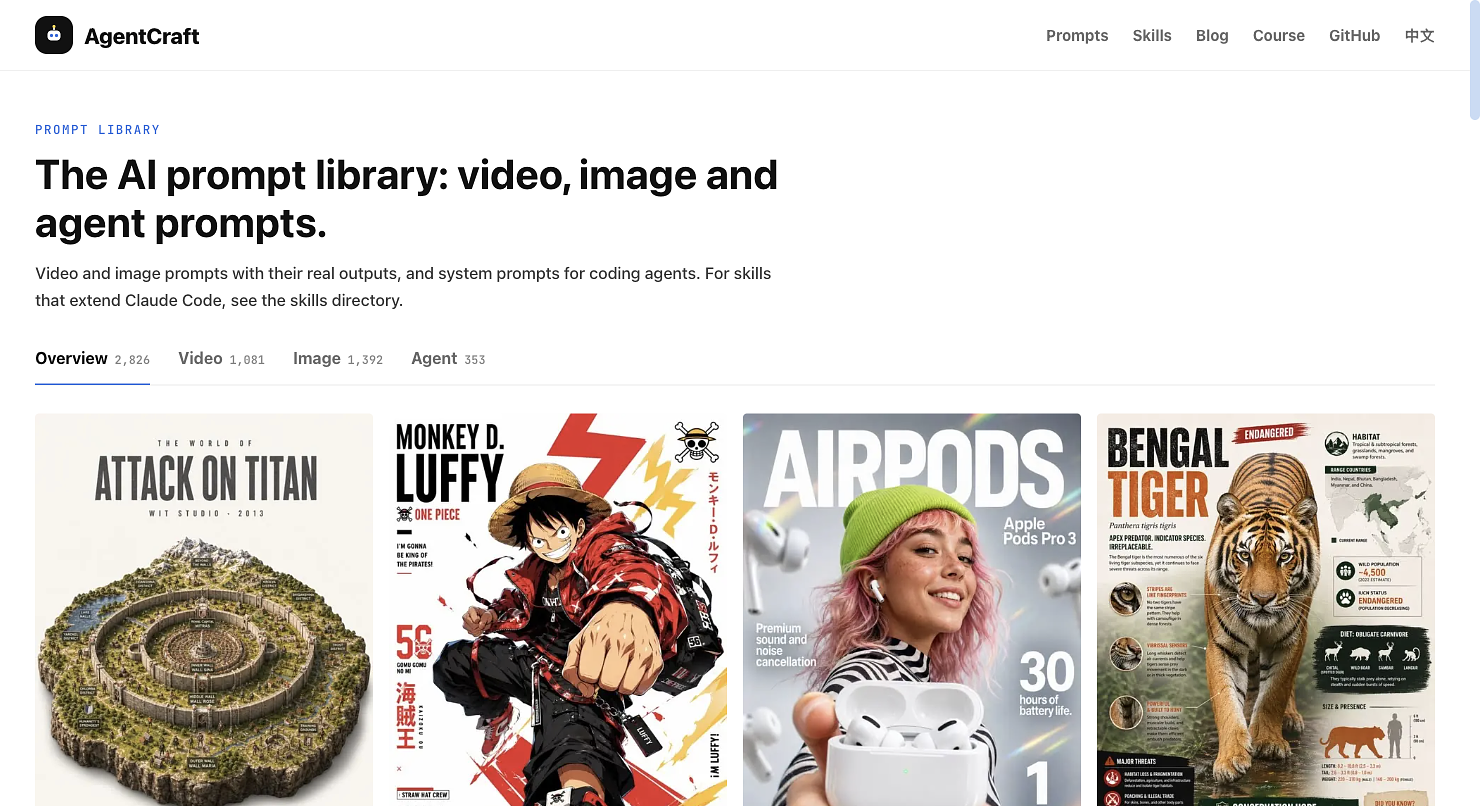
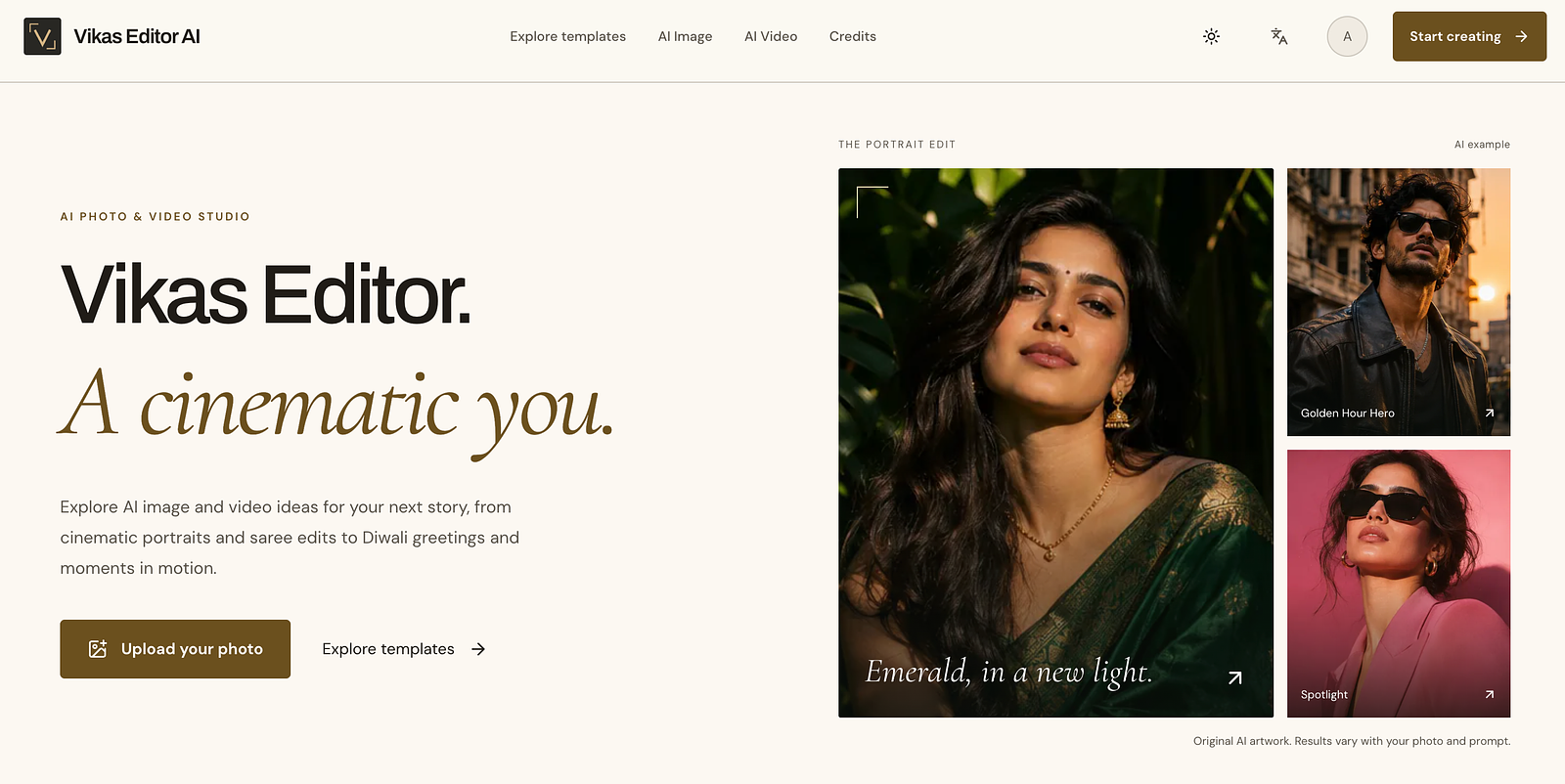
The prompt gallery, where each card shows a generated image with its prompt and creator, and the GPT Image 2.6 model page with its prompt grid.
Design & Images

AgentCraft

A free library of AI image and video prompts, each shown next to the output it made
Just added agentcraft.dev Free Free access
Visit ↗
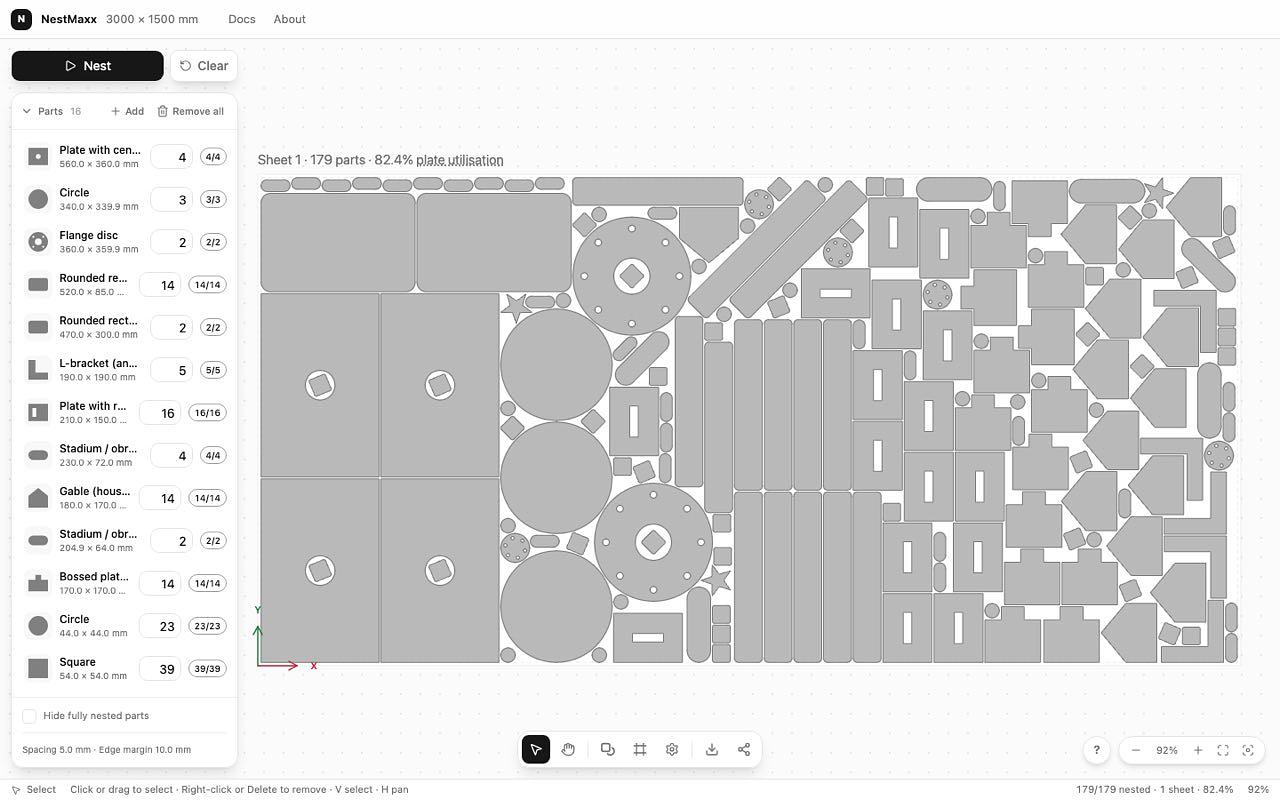
NestMaxx nesting a sheet of mixed parts in the online editor
Design & Images

NestMaxx

Free online true-shape nesting software for laser, plasma and CNC router cutting.

Just added nestmaxx.com Free Free access
Visit ↗
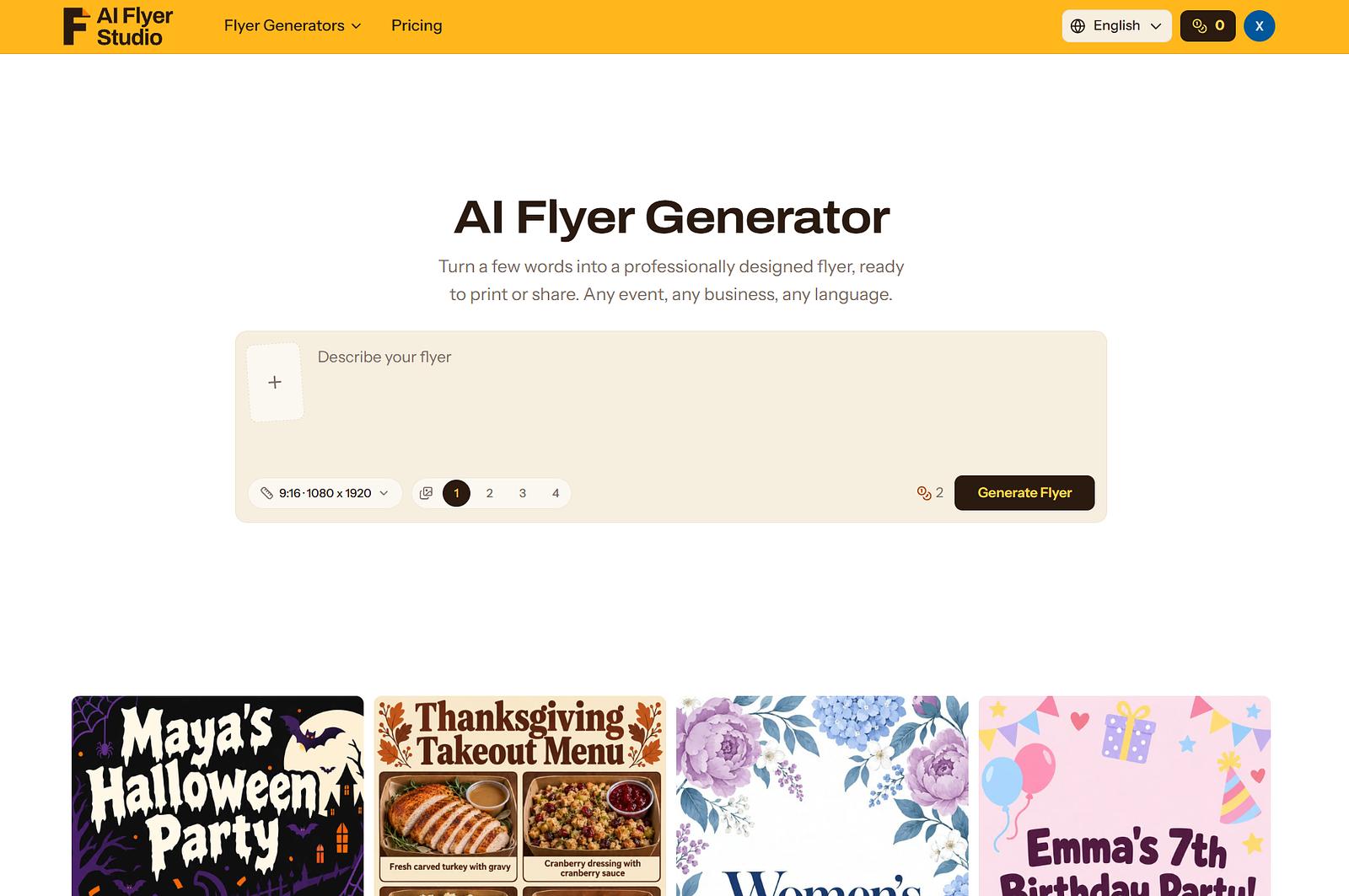
index page
Design & Images

ImgRemix

Image to Image AI -- Turn your image into something new.
Just added imgremix.com Paid Free access
Visit ↗
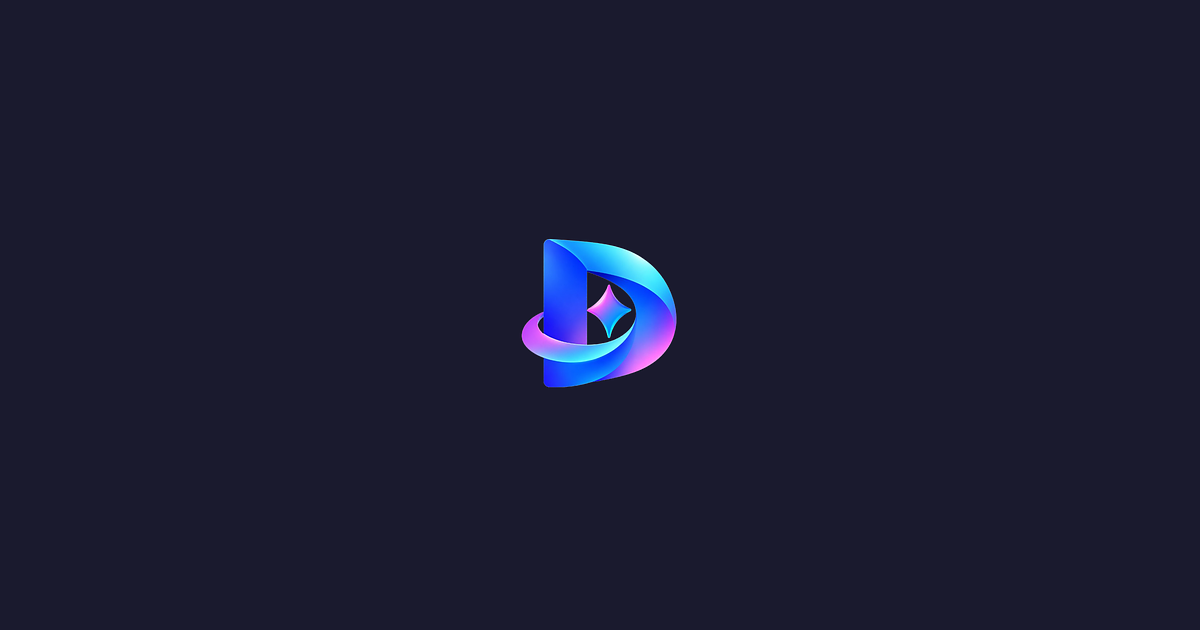
The screenshots showcase AI Flyer Studio's interface and flyer creation experience. They demonstrate how users can enter text prompts, generate flyer designs with AI, and create promotional visuals for business offers, events, menus, and announcements. The images also highlight the design results and the platform's simple, user-friendly workflow.
Design & Images

AI Flyer Studio

Create professional-looking flyers from text prompts with AI, making promotional design simple and accessible to everyone.
aiflyerstudio.com Freemium Free access
Visit ↗
Shows Dreamina AI image generation studio and preview interface
Design & Images

Dreamina AI

Make any images possible with top AI models in seconds
dreaminaai.art Freemium Free access
Visit ↗
A hero image showing one product photo turned into multiple studio angles and listing images.
Design & Images

AngleForge

One product photo. Every listing image you need.

angleforge.studio Freemium Free access
Visit ↗
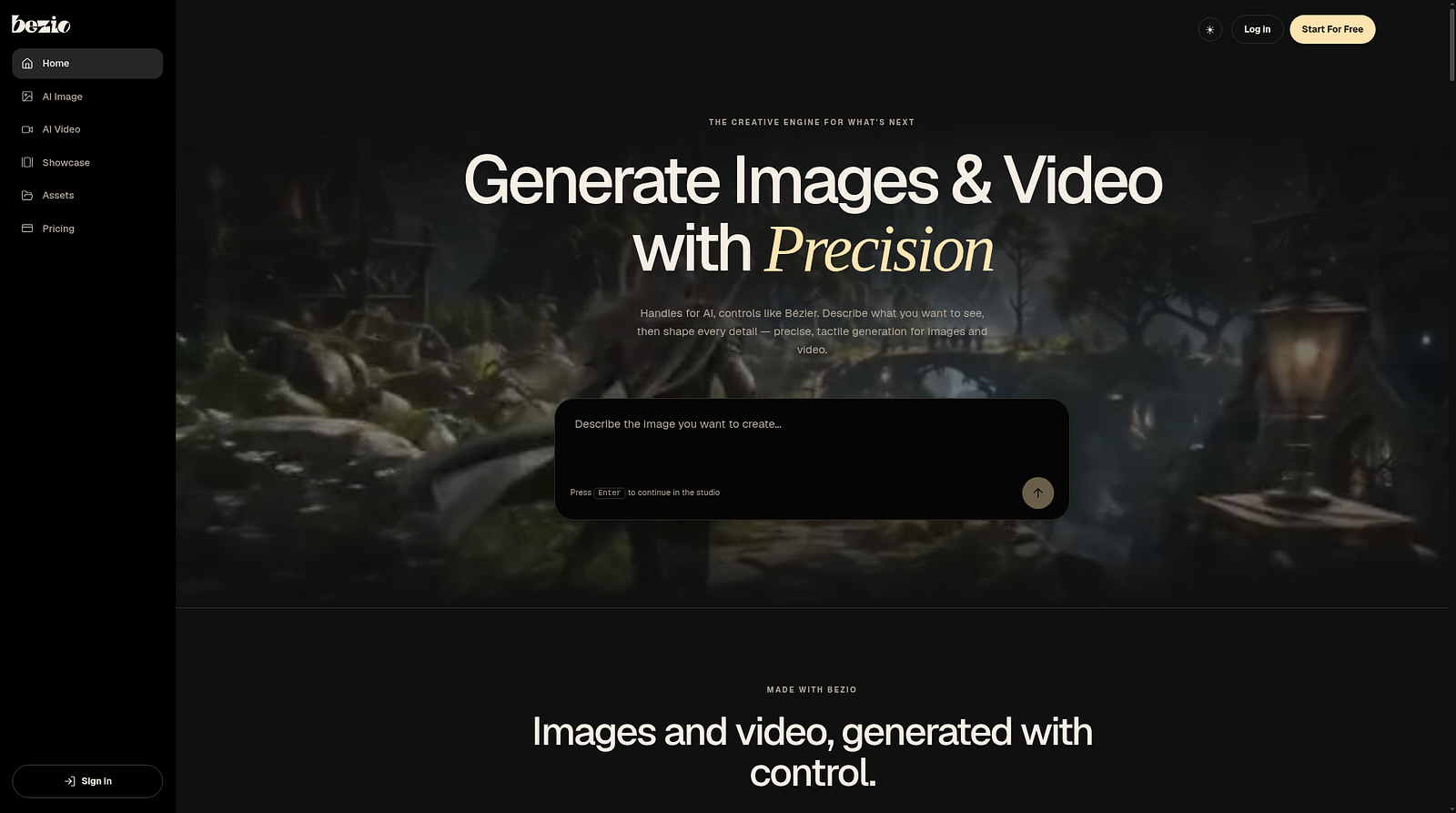
Illustrative mockup placeholder of the Dola AI studio.
Design & Images

Dola AI

Free in-browser AI studio for images, video, 3D and office docs
dola-ai.com Freemium Free access
Visit ↗
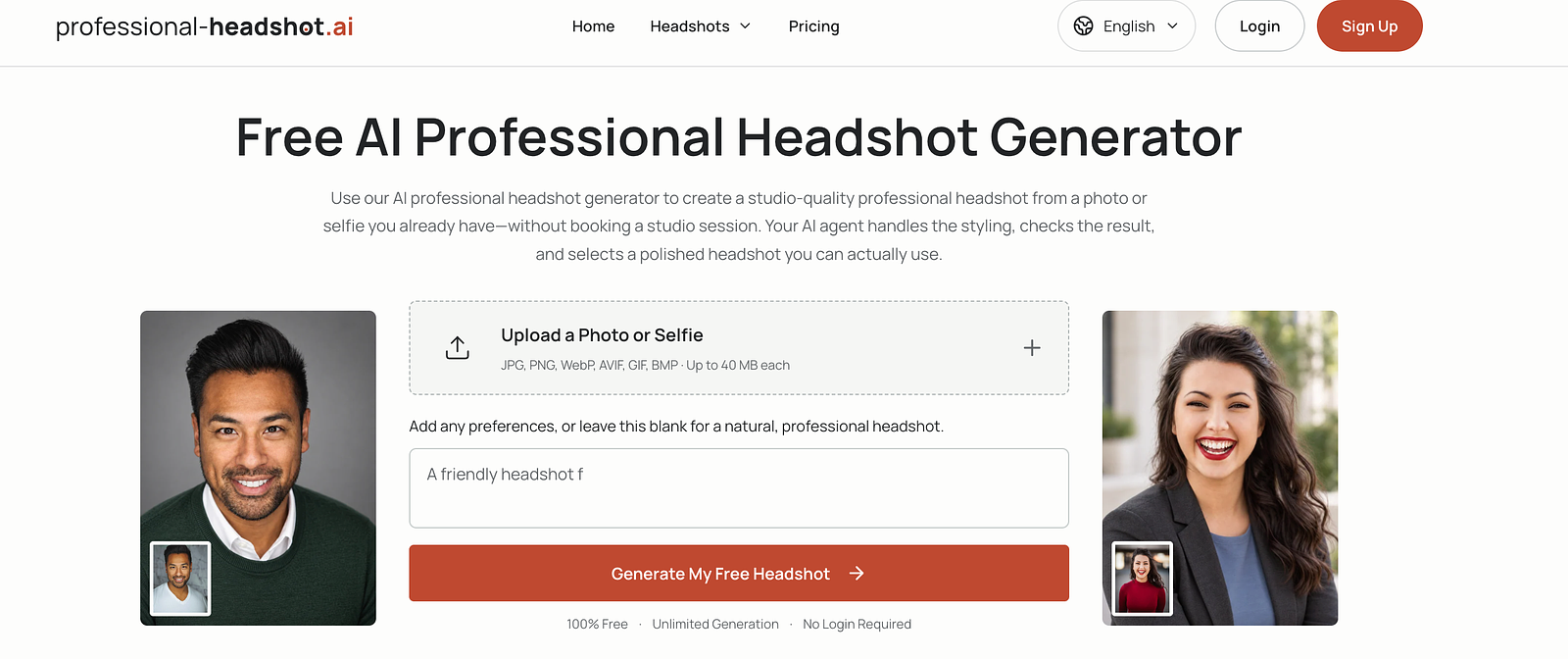
The Bezio homepage, the AI image generator workspace, and the AI video generator workspace.
Design & Images

Bezio

AI image and video generation suite with precise control over composition, lighting, camera and motion.
bezio.ai Freemium Free access
Visit ↗
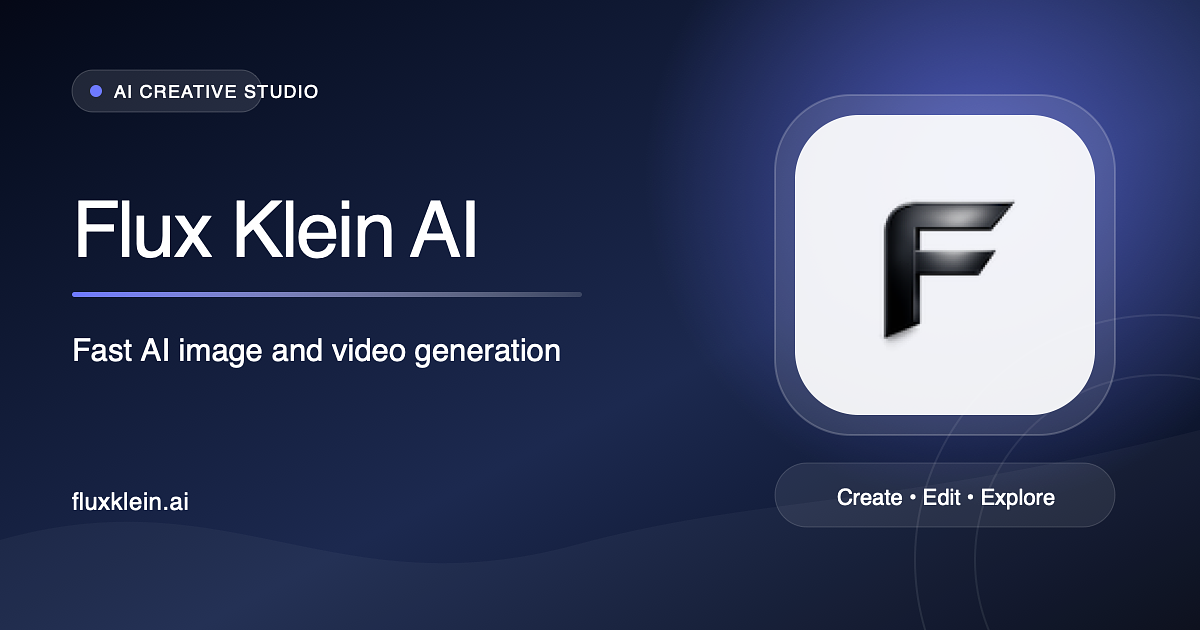
The screenshots show the Professional-Headshot.ai homepage, including the photo upload form and before-and-after examples of everyday photos transformed into studio-quality professional headshots with professional lighting, clothing, and backgrounds.
Design & Images

Professional-Headshot.ai

Create studio-quality professional headshots from your photos or selfies, without booking a studio session. Get started for free.
professional-headshot.ai Freemium Free access
Visit ↗
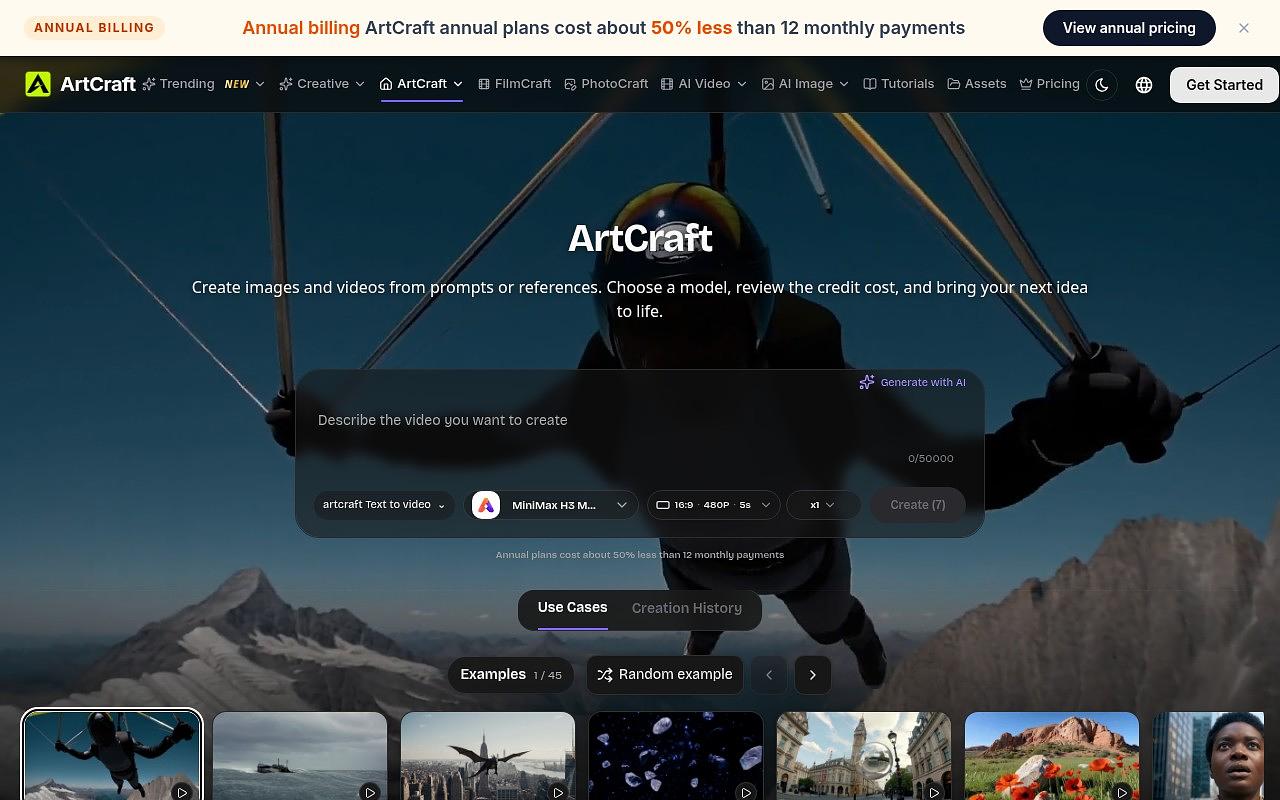
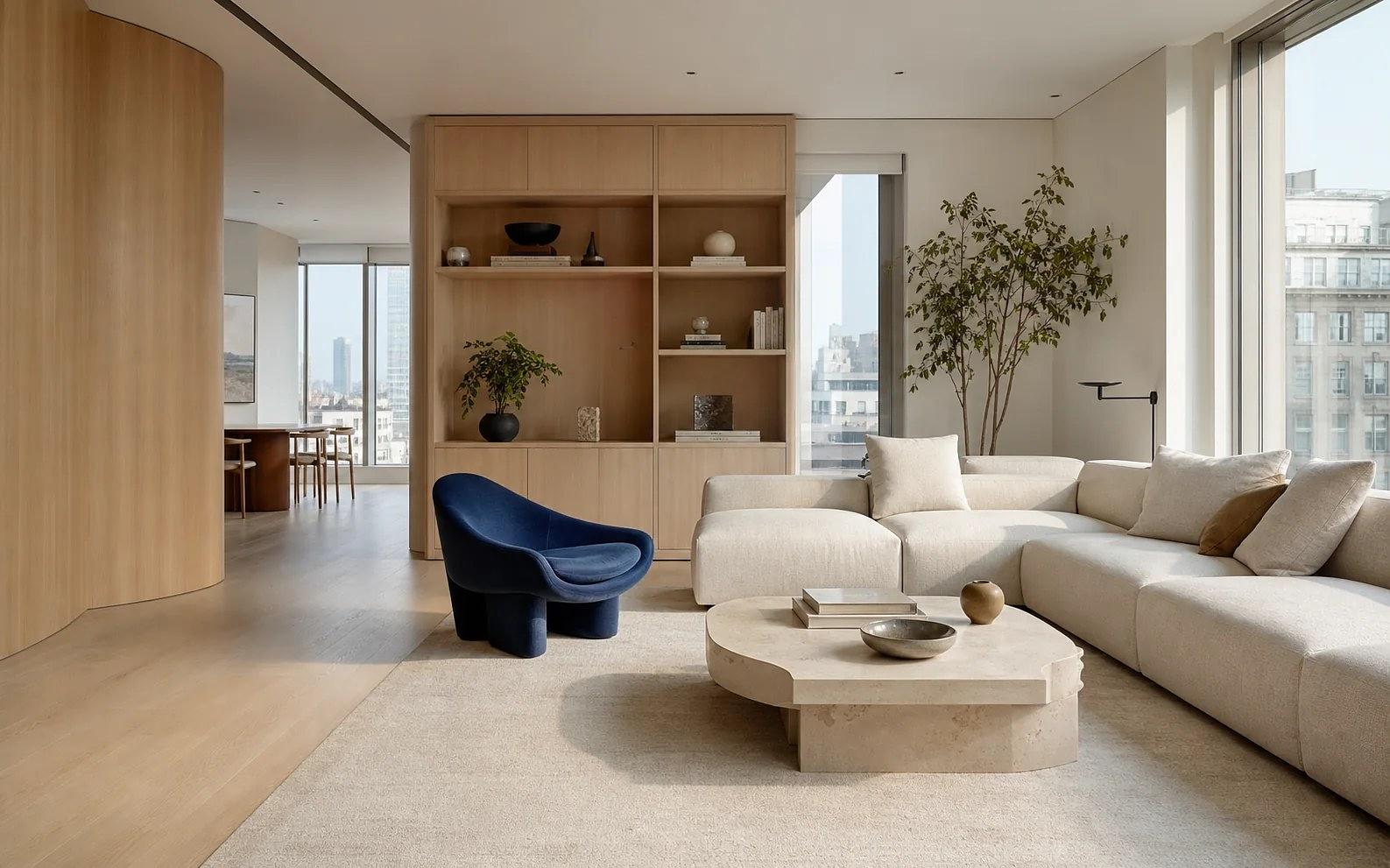
The ArtCraft web studio interface.
Design & Images

ArtCraft

Creative studio for images, video and 3D
artcraft.tools Freemium Free access
Visit ↗
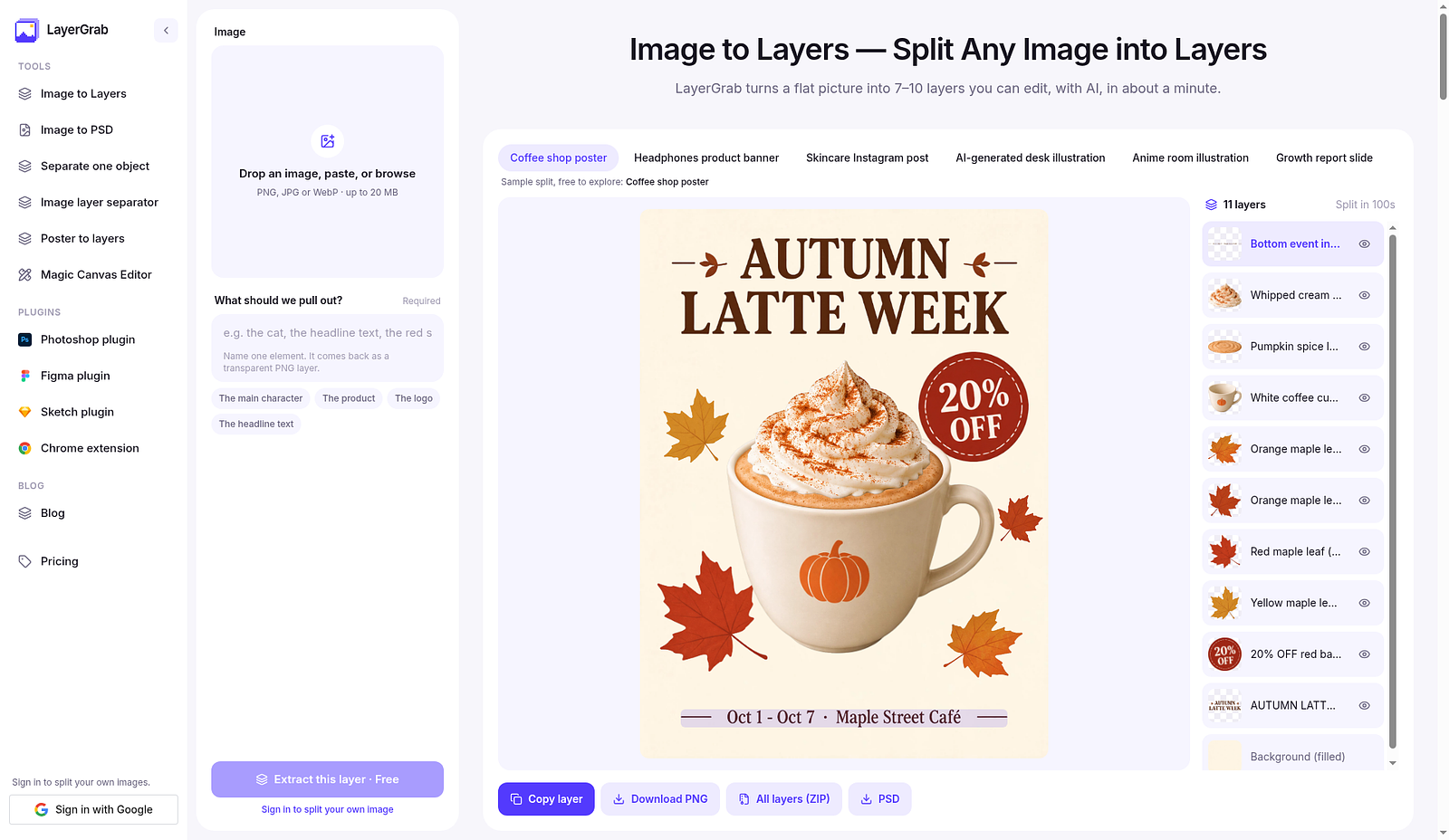
LayerGrab web app: drop a flat image and see it split into named editable layers, with the background filled in.
Design & Images

LayerGrab

Split any flat image into up to 16 editable, named layers with the background filled in
layergrab.com Freemium Free access
Visit ↗
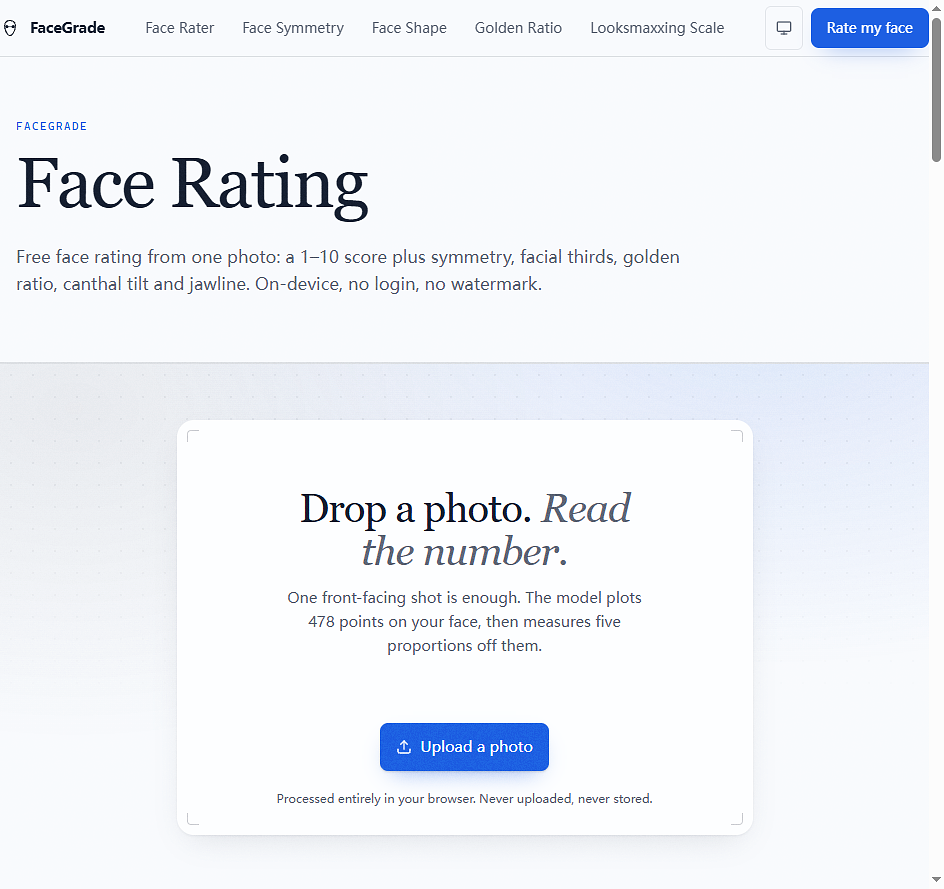
Three shots of the actual product. 1) The Face Rating page: a drop zone reading Drop a photo. Read the number. with an Upload a photo button, the 478-landmark and five-proportions explanation, and the note that processing happens entirely in your browser so the photo is never uploaded or stored. 2) The home page hero with the upload entry point and a face-map panel showing 47 points located. 3) The method page explaining how the face score is calculated.
Design & Images

FaceGrade

Free on-device AI face rater: 1-10 attractiveness score with symmetry, golden ratio and full facial analysis. No signup, no watermark.
aifacerater.online Free Free access
Visit ↗
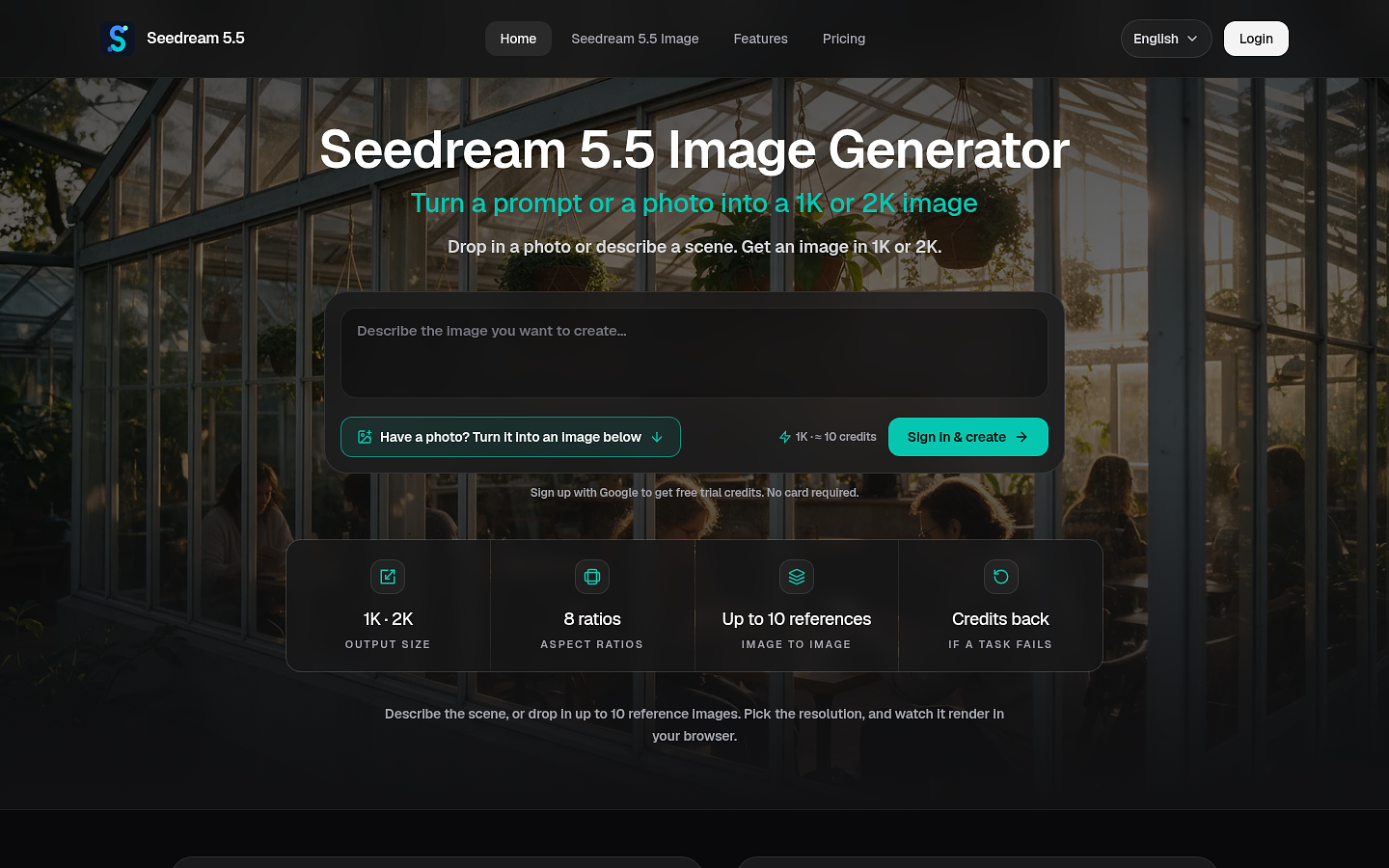
The Seedream 5.5 web app interface in a desktop browser.
Design & Images

Seedream 5.5

Text or photos to AI images in your browser, 1K or 2K
seedream55.io Freemium Free trial
Visit ↗
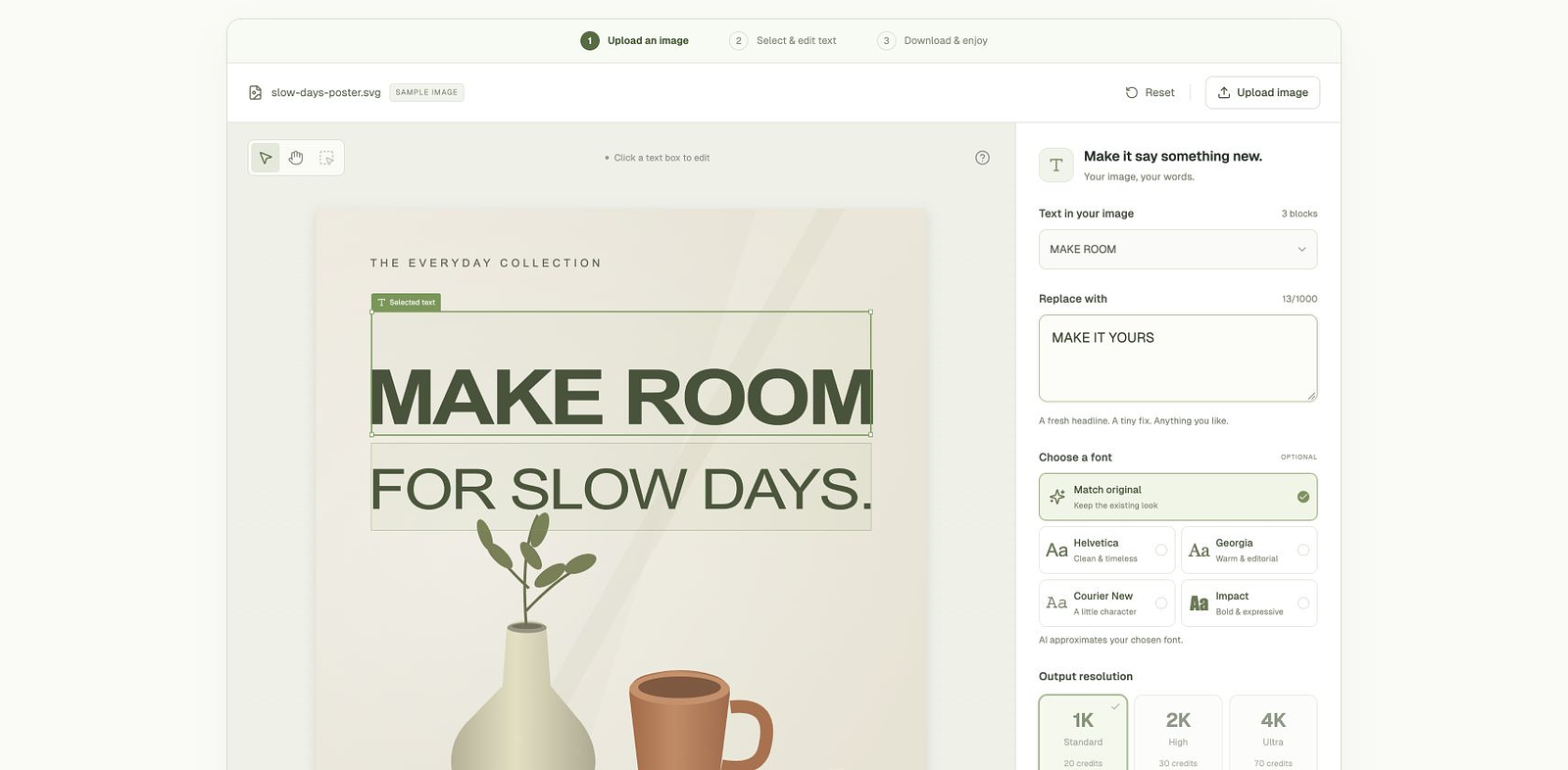
Actual public editor with its built-in sample poster, text selection, replacement field, font choices, and output settings. The sample is a demonstration, not a customer result.
Design & Images

Edit Image Text

Replace existing text in images with AI, then export PNG or JPEG.
editimagetext.ai Freemium Demo
Visit ↗
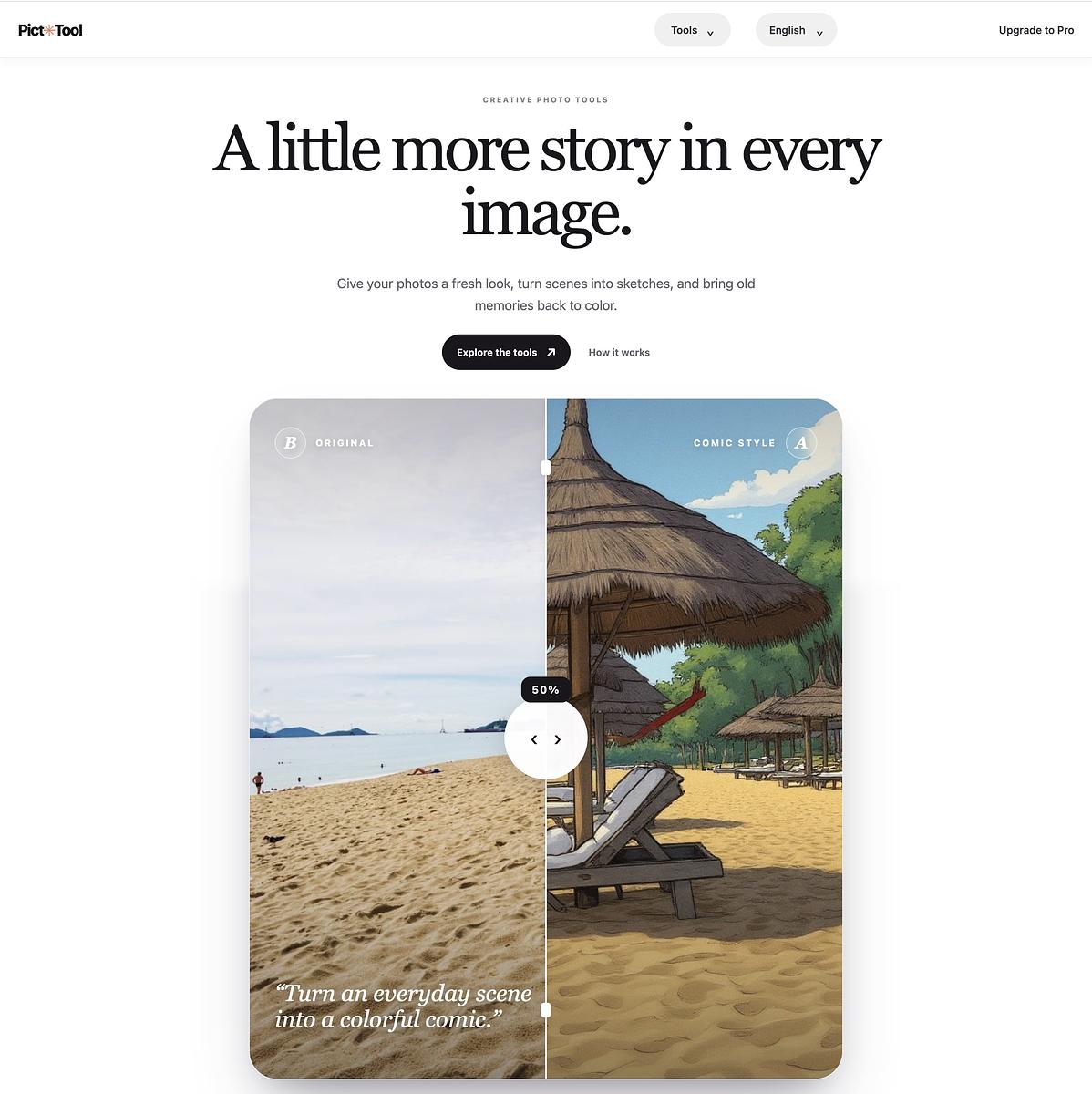
This screenshot shows the PictTool homepage and its actual product interface. It highlights the main navigation, creative photo tools, and a before-and-after example of a photo transformed into a comic-style image. The page introduces PictTool’s browser-based image editing experience and helps visitors understand how to explore its tools.
Design & Images

picttool

Create and edit images with a collection of easy-to-use AI tools
www.picttool.com Freemium Free trial
Visit ↗
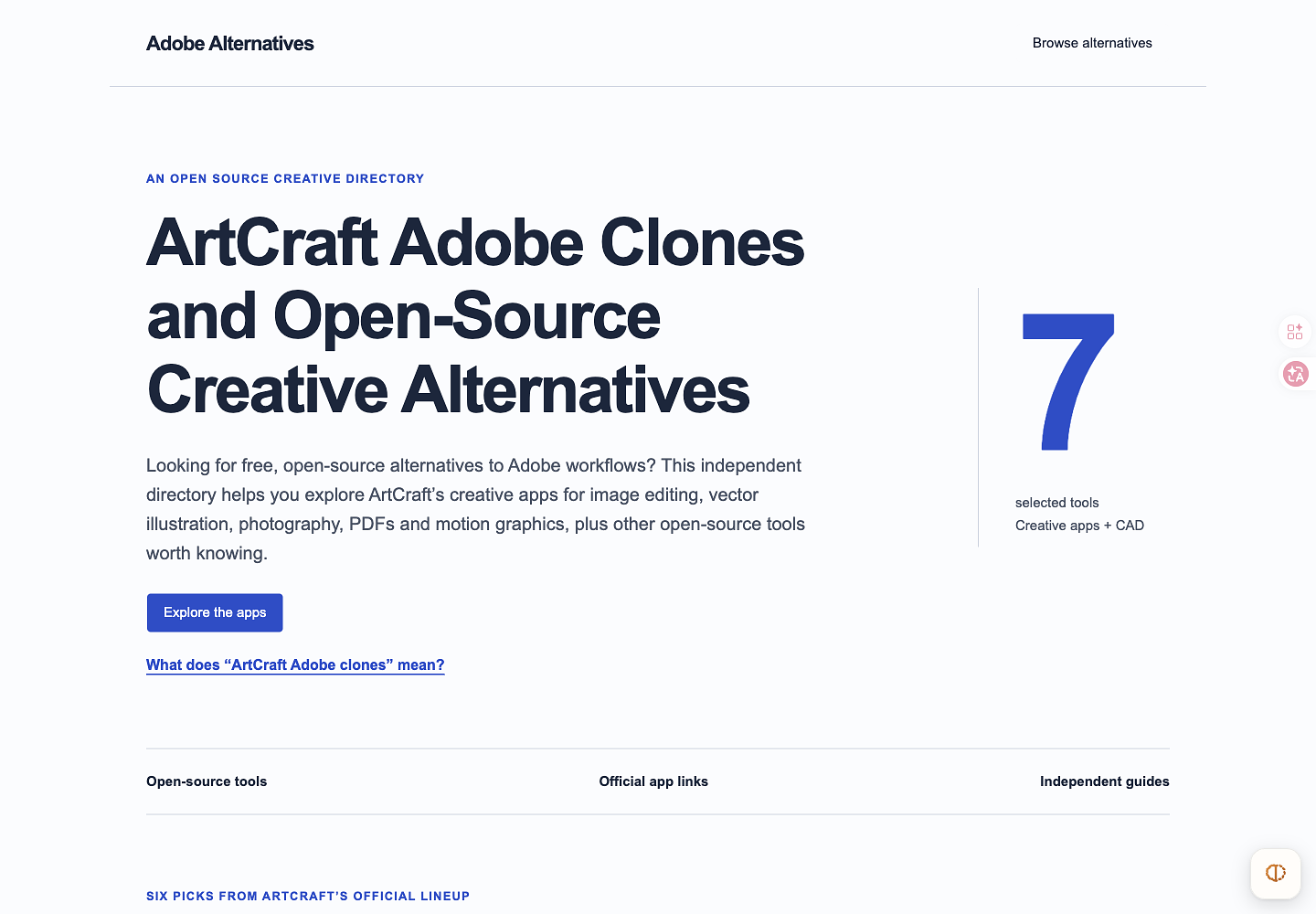
The live directory homepage, showing creative-workflow cards, platform labels and project development status.
Design & Images

Adobe Alternatives

Explore open-source creative software by workflow and development stage
adobealternatives.com Free Free access
Visit ↗
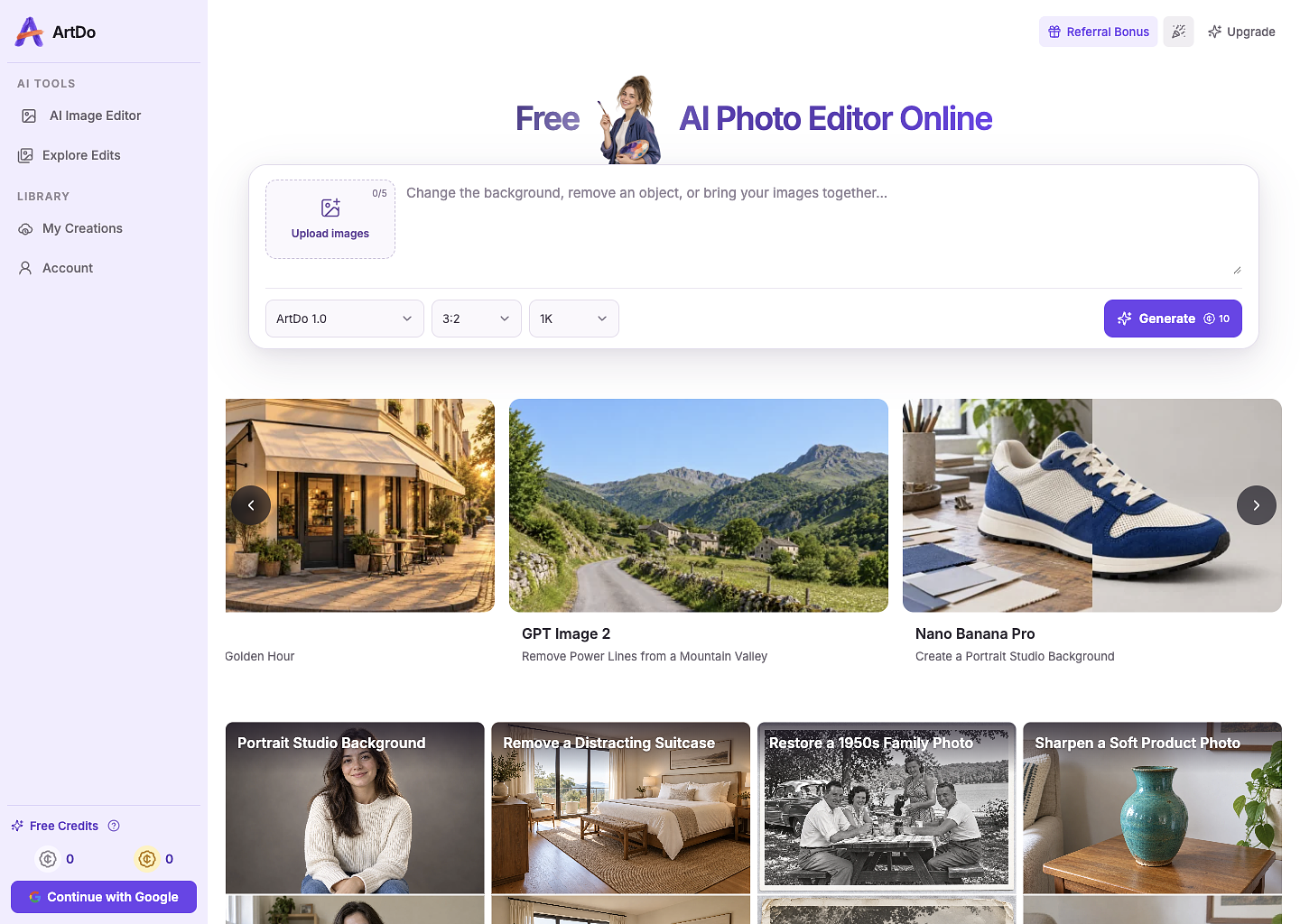
The screenshot shows the live ArtDo browser interface, including the AI photo editor workspace where users upload images, enter editing instructions, select available models and settings, and review generated results.
Design & Images

ArtDo

Edit photos with AI prompts, then review and download the result.

artdo.ai Freemium Free access
Visit ↗
From the collection Design & Images

EZCompos

EZCompos for small teams: retouch photos on Mac for free

ezcompos.com
Visit ↗